Welcome to the Kinsta Community!
If you currently have no working local sites, it may be easier to delete all the DevKinsta containers, images, and volumes in Docker Desktop. Doing this will allow you to start DevKinsta with a fresh setup the next time you launch it. Please note that deleting the “Volumes” will remove all your custom data associated with local sites in the DevKinsta app.

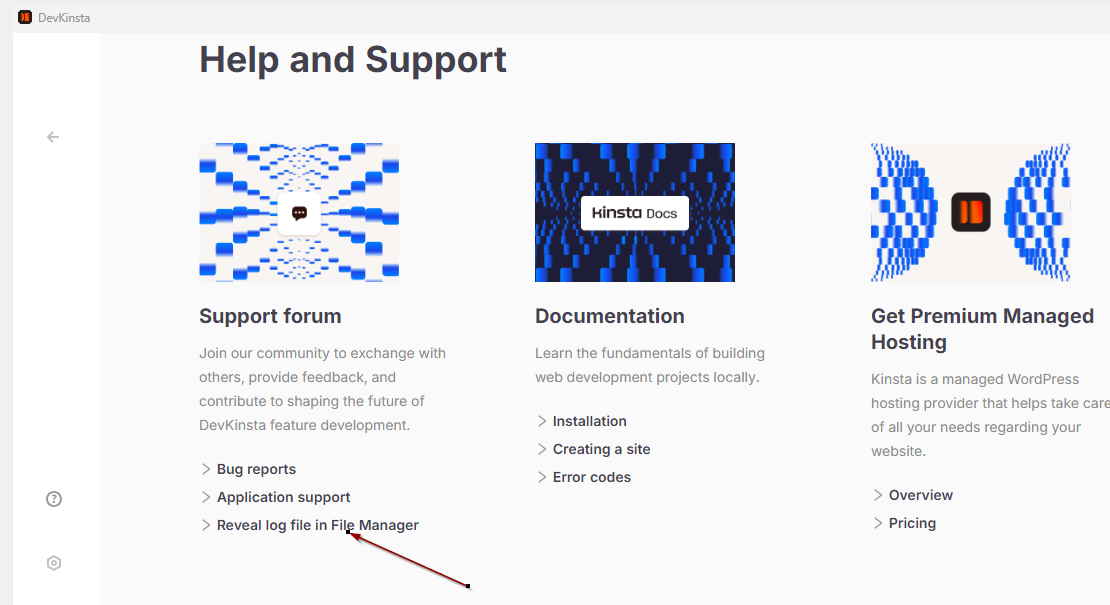
Otherwise, please send me the main.log file via private message so we can take a closer look at the specific error message causing the “Something bad happened” error. You can click on “Reveal log file in File Manager” to locate the directory where you can copy the main.log file. For more details, you may also refer to your guide here: Troubleshooting - Logs and Debugging - Kinsta® Docs.